

Paint Touch-Up Pen - Car Paint Brush Set - Color Code Based
Reference:
csm-ecsetelő-szett-mikro
Product customization
Don't forget to save your customization to be able to add to cart
Brand:

Love17
Add to wishlist(1)
You may also like



In stock
3,302 Ft
(tax incl.)
Online price

Paint Touch-Up Pen - Car Paint Brush Set - Color Code Based
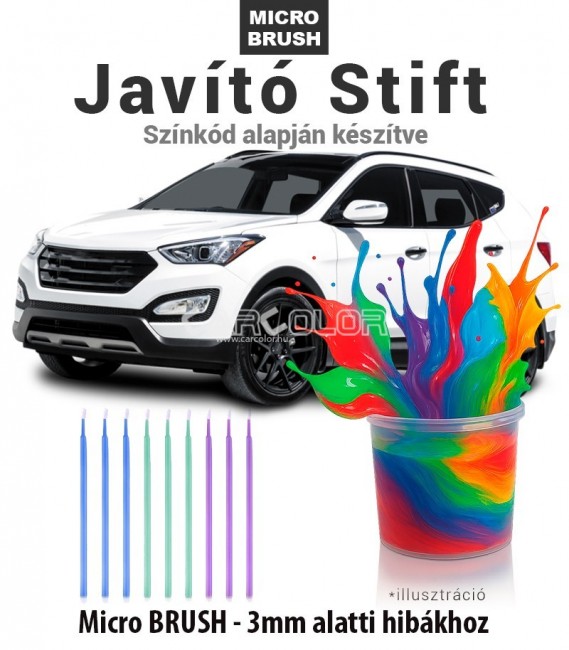
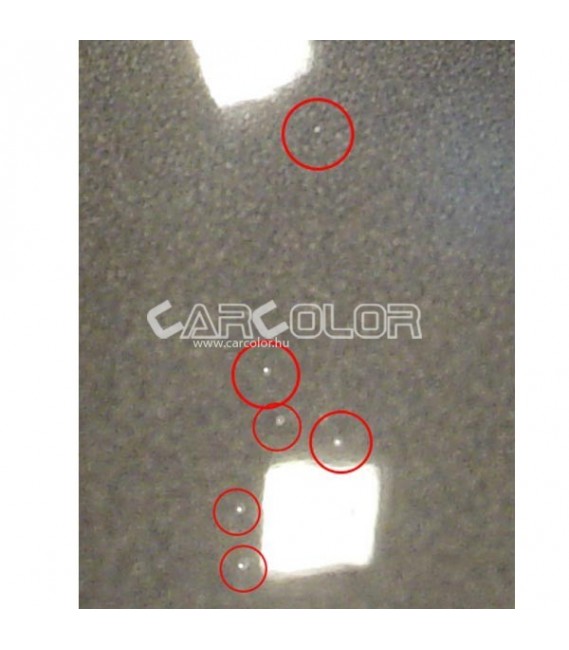
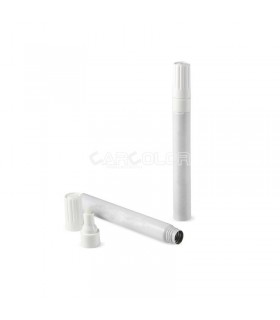
Custom-mixed car paint based on the car's color code for minor damages, stone chips, and scratches. Our experts, with 32 years of experience, mix the exact color shade using a factory-quality automotive paint system based on the provided color code. Our color lab can mix any automotive color using precise computer-based color mixing. This product is specifically designed for repairs of damages smaller than 3 mm.
The contents of the Mikrobrush brush set
- Custom-Mixed Car Paint
- Prepared based on the provided color code (Metallic: 50ml, Acrylic: 100ml)
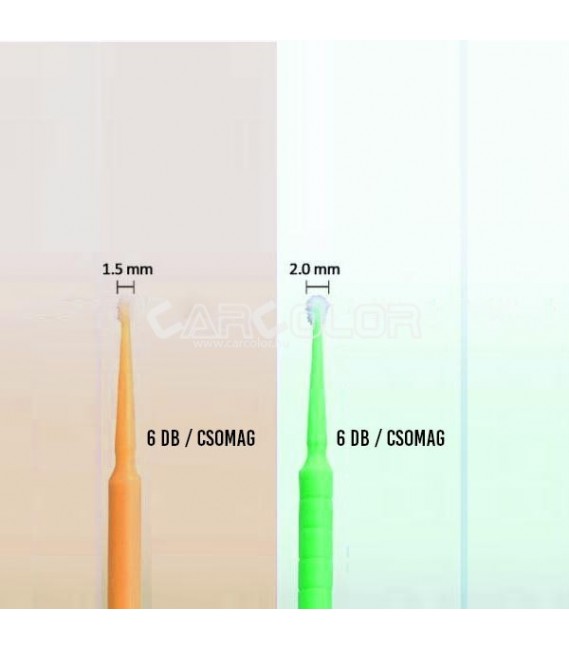
- 12 Microbrush Brushes
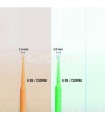
- Size: 1.5 - 2 mm
Product Information
- Application:
- Car paint brush, prepared based on the color code
- Color:
- Based on code (car, motorcycle, RAL, NCS)
- Surfaces:
- Any surface
- Packaging / Weight:
- 50 or 100 ml of paint
- Price Includes:
- 1 Mikrobrush Touch-Up Paint Pen Set
How to use the 2K touch-up paint brush product?
Shake the paint well in the box!

- Ensure the correct temperature
- Clean the surface.
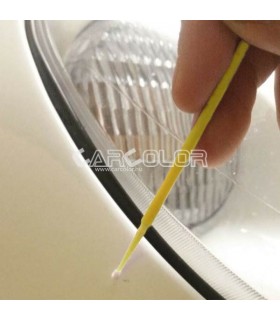
- Apply the paint to the cleaned surface using the brush
- Wait for the complete drying → At 20°C, wait for 48 hours. Do not wash the surface before complete drying!
- Once the work is finished, clean the tools with thinner for reuse.
It is important not to repair damage larger than a five-cent coin with a brush! In case of rust, use a rust converter before applying the paint! (IM1412 Rust Converter)

Important information for ordering and selecting the correct color!
HOW TO ORDER THE CORRECT COLOR?
-
- Find the color code on the car's information plate. (not in the registration papers!) COLOR CODE SEARCH
- Determine whether the base color is acrylic or metallic. (Acrylic colors can be made from a base, but metallic bases cannot be acrylic)
- If you cannot determine or are unsure of the color code, take a photo of the data plate.
- In the data entry field, enter the color code and the car details (Ford chassis number for Ford)
- After entering the data, click the "SAVE DATA" button and add the product to the cart.
If we find an error or the color code is unclear, we will contact you for clarification.
HOW TO FILL OUT THE DATA?
When ordering, you must enter the vehicle's color code, which is not the same as the data in the registration papers!
If you know the RAL or Color Code, enter it in the "RAL or COLOR CODE" field. After entering the code, make sure to click the "Save" button, then add the product to the cart by clicking the "Add to Cart" button. If you want more items, change the quantity next to the cart button.
If you upload an image, you must save the changes. Enter the color name in place of the code, e.g. Metallic Green
IMPORTANT!
Even using the factory color code does not guarantee a perfect match, as we do not have elements to perform color matching. The previous paint job is greatly influenced by factors such as the car's age, weather conditions, and where and when the car was manufactured. Please take these into account before placing the order.
If you would like to reorder a previously purchased and matched color, please take a picture of the information on the bottle (the handwritten label!) and send it along with your order!
Please note that any responsibility for improper repairs lies solely with the user. Our company is not responsible for any errors. We do not offer color guarantees for filled spray products. The product should be used within one month of receiving it!
csm-ecsetelő-szett-mikro
Data sheet
- Color
- Custom
- Application
- Paint
- Paint System
- All colors
Customers who bought this product also bought:


In stock
445 Ft
(tax incl.)
Online price
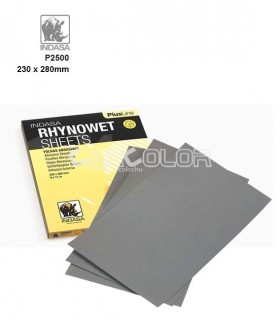
In stock
227 Ft
(tax incl.)
Online price

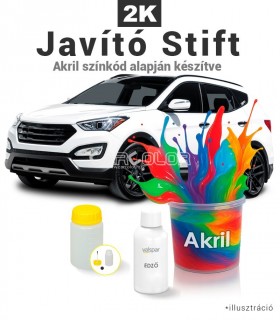

In Stock
6,490 Ft
(tax incl.)
Online price
Custom-mixed car paint pen based on the car’s color code for stone chips, scratches, and other minor damages. Our experts, with 32 years of experience, mix the exact color shade based on the provided color code using...
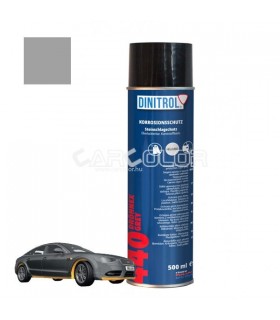

In stock
187 Ft
(tax incl.)
Online price

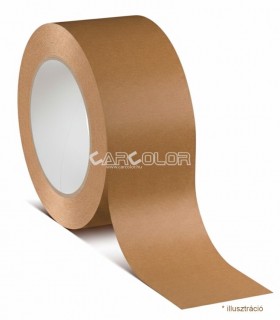
In stock
1,194 Ft
(tax incl.)
Online price
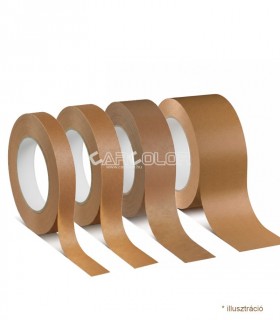
Masking or painter’s paper tape. Perfect for automotive or other painting projects to cover and protect areas. Prevents paint from getting onto unwanted surfaces. Easy to remove after painting without leaving residue....

In Stock
4,950 Ft
(tax incl.)
Online price
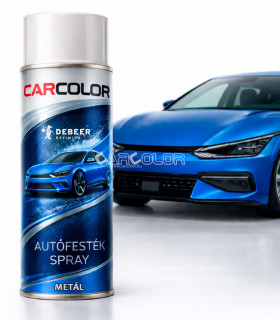
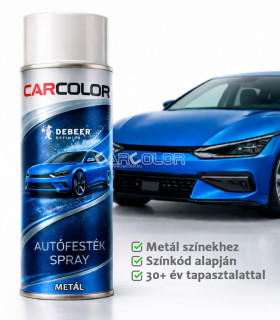
Discover the CarColor car paint spray, individually prepared based on your car’s color code from premium factory-grade car paints. Each spray is custom-mixed to achieve the precise shade according to the specific...
 English
 Magyar
&media=https://www.carcolor.hu/shop/7888-large_default/micro-brush-12pcs.jpg)
&media=https://www.carcolor.hu/shop/6580-large_default/carfit-silicone-remover-strawberry-1l.jpg)

&media=https://www.carcolor.hu/shop/9541-large_default/anti-silicon-cloth-5pcs.jpg)
&media=https://www.carcolor.hu/shop/8776-large_default/plastic-touch-up-bottle-with-brush-40ml.jpg)


&media=https://www.carcolor.hu/shop/8223-large_default/indasatm-rhynowet-wet-dry-use-sandpaper-9-x-11-p2500.jpg)
&media=https://www.carcolor.hu/shop/9865-large_default/metal-bazis-oldoszeres-kevert-festek-1dl-tol.jpg)

&media=https://www.carcolor.hu/shop/7449-large_default/drohnex-protect-spray-500-ml-gray.jpg)
&media=https://www.carcolor.hu/shop/12133-large_default/indasatm-ht-line-ultravent-abrasive-discs-57-hole-p2000.jpg)
&media=https://www.carcolor.hu/shop/8122-large_default/sanding-cork-100-x-60-x-40-mm.jpg)
&media=https://www.carcolor.hu/shop/17535-large_default/premium-masking-tape-80oc-50mm.jpg)

&media=https://www.carcolor.hu/shop/17647-large_default/custom-filled-car-paint-aerosol-metal-colors.jpg)